Best AI Logo Generators
A great logo can make a strong first impression on potential customers. One of the most efficient ways to create a memorable logo is to use an AI tool. But with so many options out there, which one should you use?
Below, we’ll walk through the top features to look for in a logo generator tool—and how QuillBot’s free AI logo generator checks all the boxes.


Features of best free AI logo generators
There are a few things you should look for when selecting the best free AI logo generator. A good logo generator should help you bring your vision to life with control over the image style and size. You also shouldn’t have to worry about watermarks or download limits.
Read on to learn more about what features to look for in the best AI logo generators.
Watermark-free
There’s nothing worse than creating the perfect logo using an online tool, only to realize that it includes a watermark. Before investing time and effort in an AI logo generator, be sure to confirm whether it adds a watermark and how much it costs to remove it.
With truly free tools, like QuillBot’s AI logo generator, what you see is what you get—no surprise watermarks that might ruin your perfect design!
Iterative improvement
Very rarely will you create the perfect logo on your first try. Consequently, it’s important to choose a tool that will let you refine your prompt to get closer to what you’re actually looking for.
QuillBot’s AI logo generator lets you edit your prompt after you’ve generated an image to make sure you get the design you want.
Control over style
When you’re creating a logo for your business, you often have a general sense of your brand identity, and it’s important to create a logo that matches this. It’s easy enough to provide this information in your prompt, but the best tools allow for an even stronger degree of control.
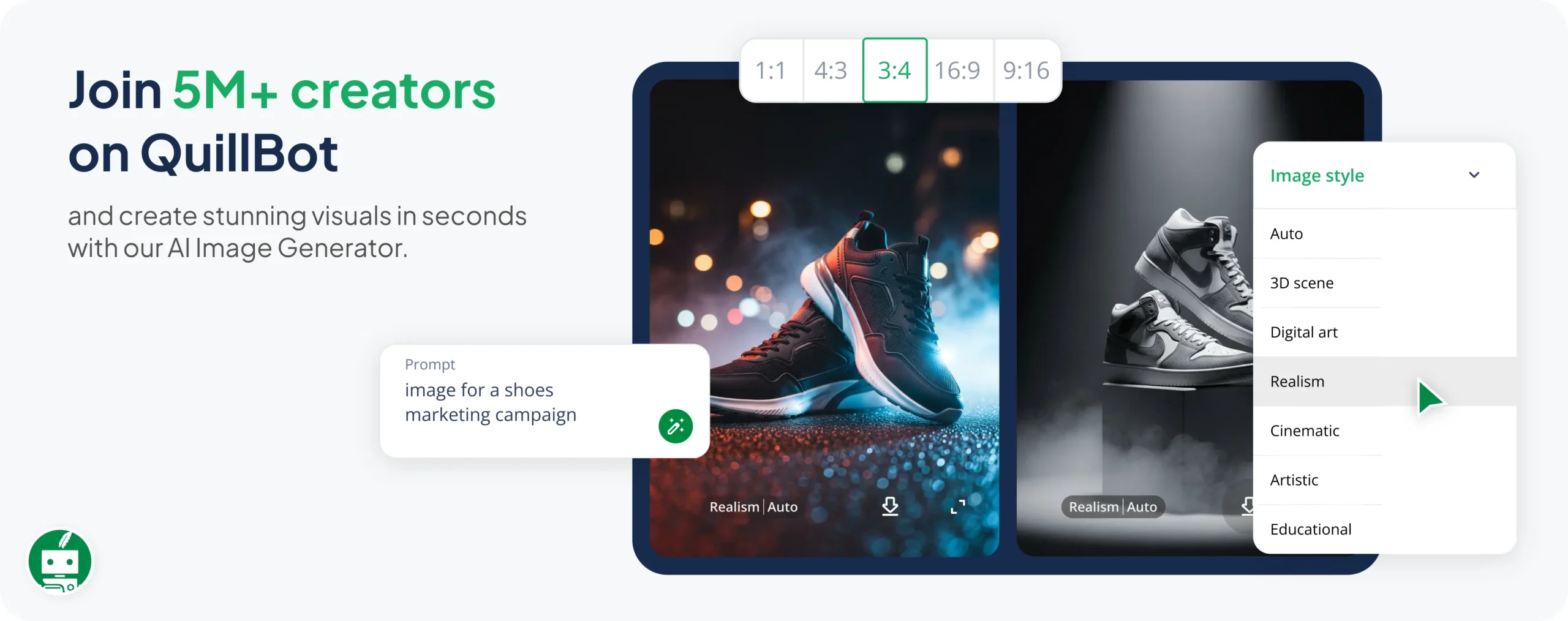
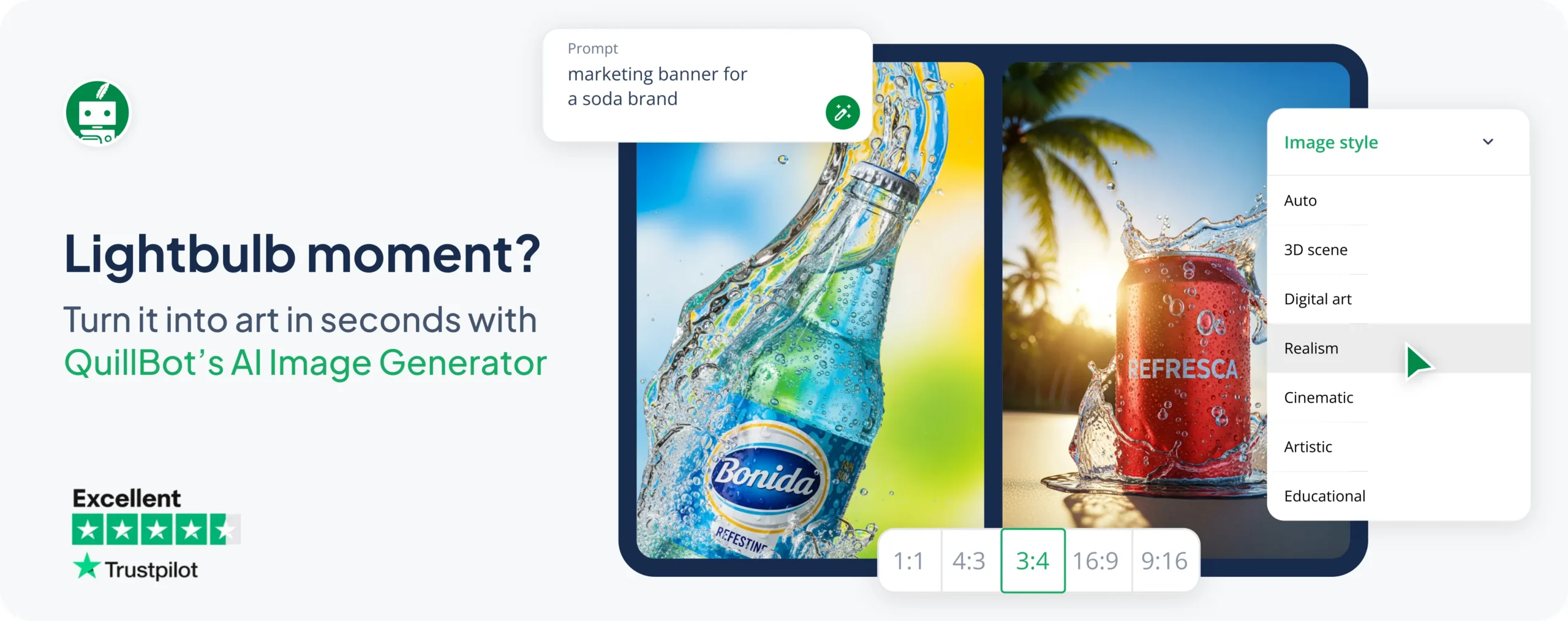
When you use QuillBot’s logo generator, you have the option to select an image style before you generate your logo. This feature can help you create outputs that match the general vibe you’re going for.
Multiple output options
When you’re in the ideation phase of logo design, it can be helpful to see more than one option. QuillBot’s logo generator always gives you two outputs, making it more likely you’ll see a design you love.
Usability
A logo generator can have all the features in the world, but if it’s impossible to use, that doesn’t really matter. Be sure to choose a tool that has an intuitive, user-friendly interface, letting you focus on the creative process.
Continue reading for an overview of how to use QuillBot’s AI logo generator.
Using an AI logo generator
The QuillBot AI logo generator has a simple, intuitive, and easy-to-use interface. As shown in the image below, there is a space for you to enter your prompt and options to select your image style and output size.
QuillBot AI logo generator interface

Creating the perfect logo with QuillBot’s AI logo generator is truly as easy as 1, 2, 3:
Step 1: Write your prompt
The best prompts are specific and detailed—provide as much detail as you can about the logo you’re hoping to generate. Getting your prompt right at the start will reduce the time you have to spend correcting and improving the AI output.
If you’re not sure where to start, try QuillBot’s free AI image prompt generator.
Step 2: Choose your size and style
QuillBot’s AI logo generator has several built-in style options to help you get the design you want, whether you want something cinematic, artistic, or educational. And if none of these options sound right, simply provide style instructions in your prompt. You can also select the aspect ratio of your output image.
Step 3: Generate and refine!
Once you’ve written your prompt and selected your image size and style, it’s time to sit back and let the AI do the work. Below is a logo generated using the example prompt above.
Coffee shop logo generating using QuillBot’s logo generator

If you’re not quite happy with your results, you can revise your prompt and try again until you get a result you’re satisfied with.
Frequently asked questions about the best AI logo generators
- Can QuillBot’s free AI logo generator be used without a watermark?
-
Yes, there is no watermark on the images produced by QuillBot’s free AI logo generator.
- What size should a logo be?
-
Logos don’t have one fixed size; they should scale for different uses. When learning how to design a logo, you’ll find that this is one of the most important qualities of a logo.
A common size for a website logo is about 250–400 pixels wide by 70–100 pixels high. You can really design your logo in any size, but make sure you do so in vector format (e.g., SVG) so it looks sharp if you shrink or enlarge it.
QuillBot’s AI logo generator can help you experiment with different logo sizes.
- How can businesses use an AI logo generator?
-
Businesses can use an AI logo generator, such as QuillBot’s free AI logo generator, as part of their logo creation process.
You can use an AI logo generator to quickly realize some of the design ideas that you’ve brainstormed, for instance.
Cite this QuillBot article
We encourage the use of reliable sources in all types of writing. You can copy and paste the citation or click the "Cite this article" button to automatically add it to our free Citation Generator.
QuillBot. (2026, January 28). Best AI Logo Generators. Quillbot. Retrieved April 10, 2026, from https://quill.cosmictools.in/blog/image-tools/best-ai-logo-generators/